DeathMarkers for Training
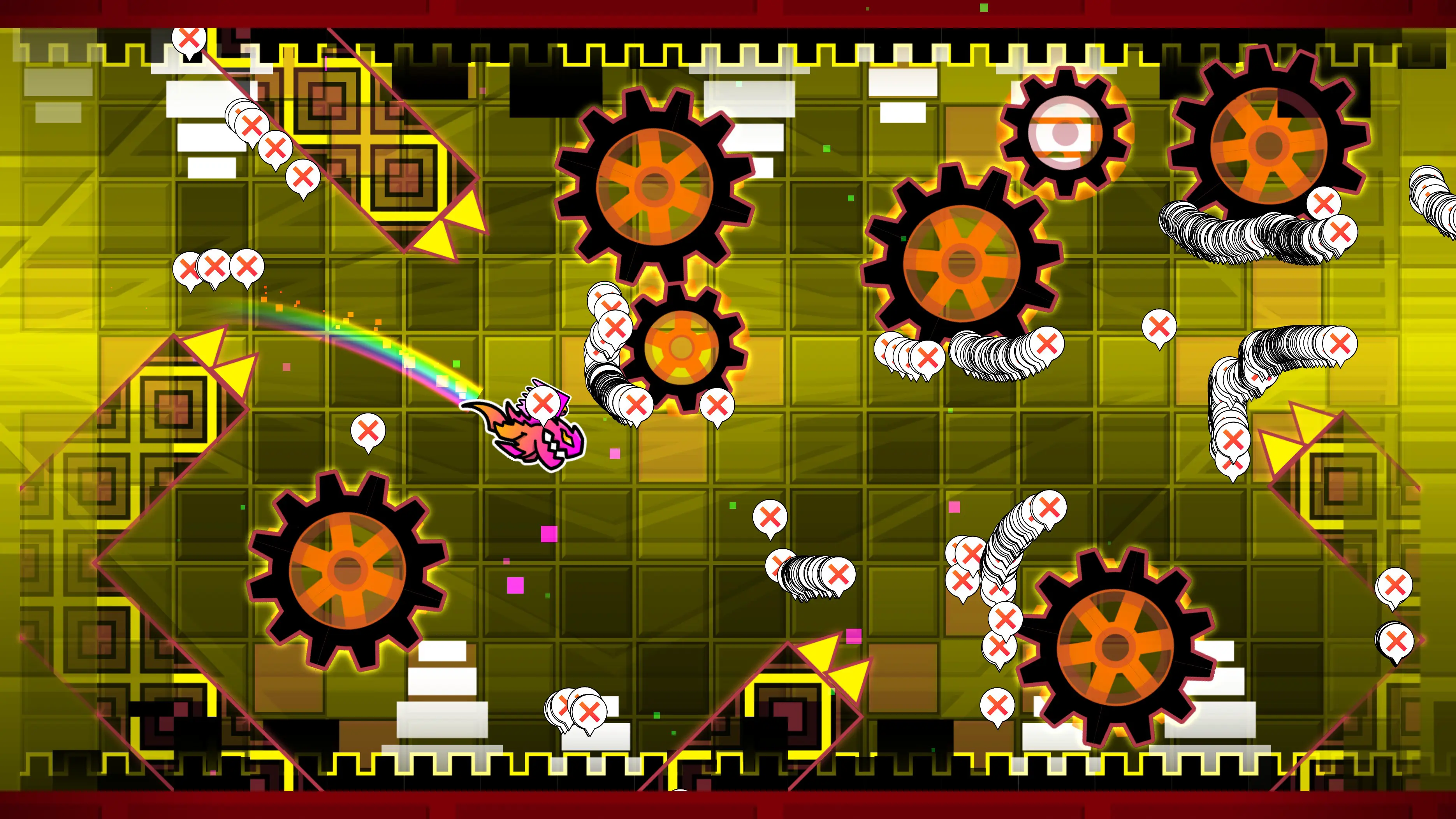
DeathMarkers is a mod for Geometry Dash which records your deaths in any level and shows you markers of where players globally have died in the level. It stores position and percentage on every death from all players participating.
While the mod was originally made for creators to improve gameplay, it also offers several settings that can help you with practicing levels more efficiently. This page explains how to utilize them to practice levels your way.

Local Deaths
The most important setting for training is Use local deaths. This turns off loading deaths from the global server and instead stores your deaths in a local storage and thus only shows your own deaths for a given level.
It's split into "Demons only" and "Always", the former only activating local storage when you play a demon level.
You should know that even if you have played levels with the mod installed before, it only stores deaths if this setting is enabled.
Show only Normal Mode deaths
This is a useful limiter to your set of deaths that only stores and displays deaths which occurred in normal mode, disregarding all of your deaths when playing in practice mode or from a start position.
This is a way to only track your progression when playing from the very start.
When to draw in normal/practice mode
This pair of settings determines if markers are drawn never, upon death, or all the time. The latter is not recommended to use, especially when trying to practice a level, as it takes a hit on performance and heavily impedes visibility.
Show as Ghost Cube
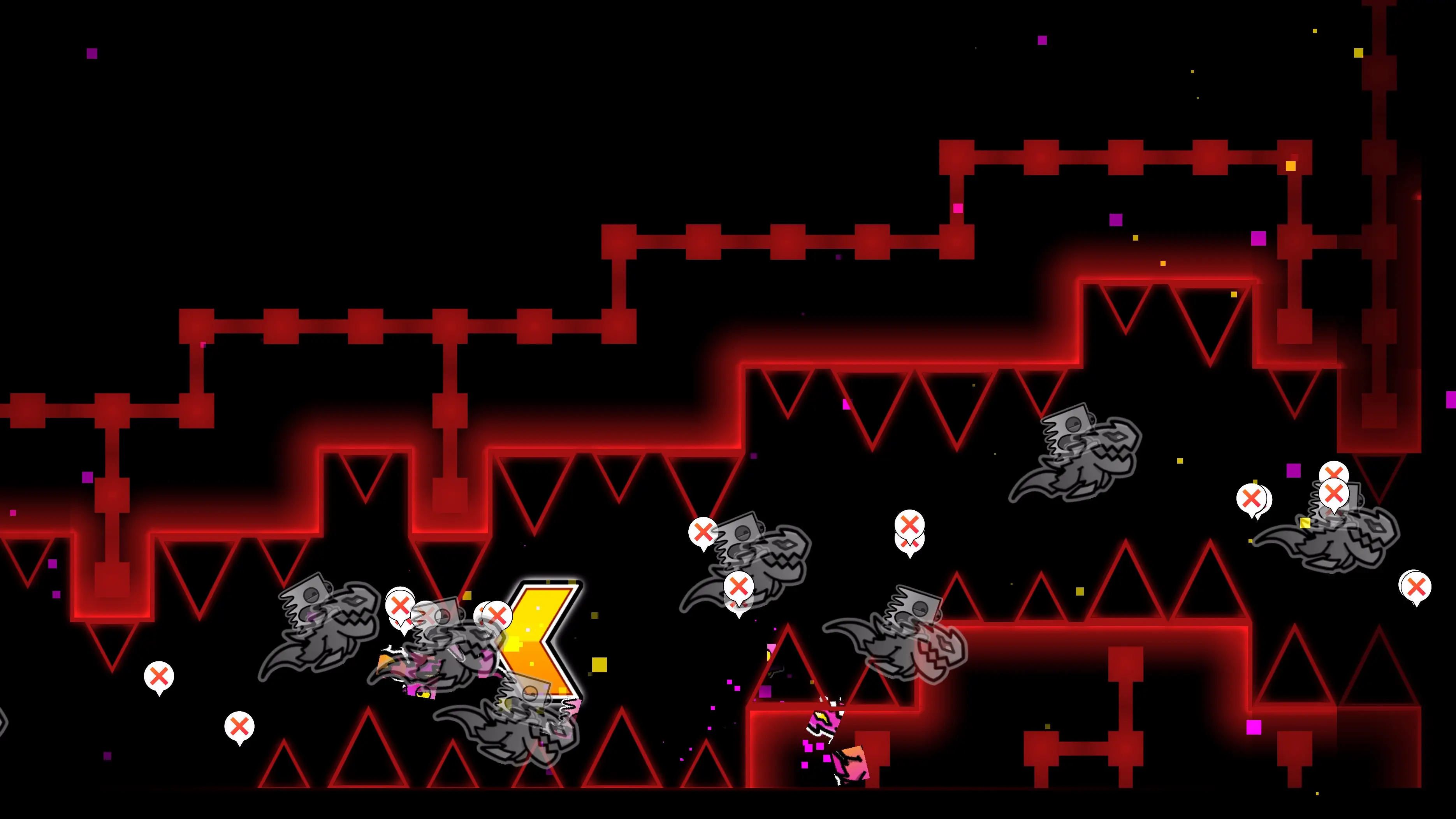
The Ghost Cube display mode exists to store more detailed data about each of your deaths. It displays your deaths as greyscale, transparent icons in the exact state you died in, which make it much easier to identify the cause of death.